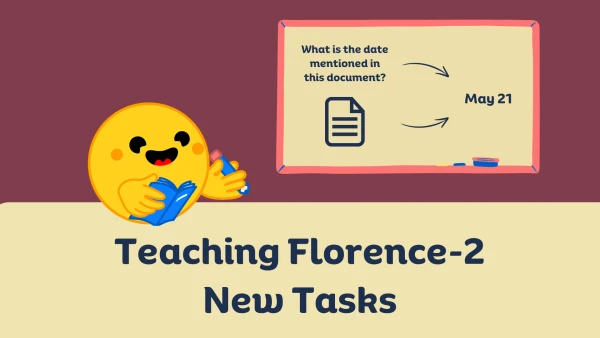
Microsoft's Florence-2 represents a significant leap in vision-language AI, capable of understanding and generating descriptions of images with remarkable accuracy. However, to tailor this model for specific tasks—such as medical imaging or autonomous driving—fine-tuning is essential.
This guide walks through the process of adapting Florence-2 to custom datasets. The model, which excels at tasks like object detection, captioning, and visual question answering, can be refined using transfer learning.
Step-by-Step Fine-Tuning Process
- Setup: Install the required libraries and load the pre-trained Florence-2 model from Hugging Face Transformers.
- Dataset Preparation: Format your dataset with image paths and text annotations in JSON or COCO format.
- Training Loop: Use PyTorch to update model weights for a few epochs, leveraging a low learning rate to preserve pre-trained knowledge.
- Evaluation: Test the fine-tuned model on a validation set to check performance improvements.
"Florence-2 can handle diverse vision tasks out of the box, but fine-tuning allows it to excel in niche applications," notes a Microsoft researcher.
After fine-tuning, you can deploy the model for real-time inference using ONNX Runtime or as a REST API. Microsoft provides pre-built Docker containers for easy scaling.
Key Considerations:
- Use a GPU with at least 16GB VRAM for efficient training.
- Augment your dataset with rotations and flips to improve robustness.
- Monitor for overfitting if your dataset is small.
By fine-tuning Florence-2, developers can unlock its full potential for bespoke image understanding tasks. The process is straightforward and yields impressive results with minimal data.