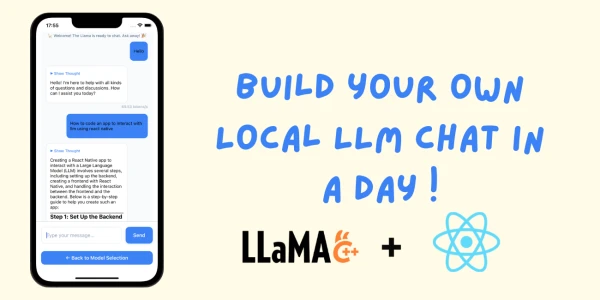
In this guide, we'll show you how to run large language models (LLMs) directly on your mobile device using React Native. Edge inference brings AI to your fingertips without cloud dependencies, enhancing privacy and offline capabilities.
Why Run LLMs on Edge?
Running LLMs locally on your phone reduces latency, protects your data, and works without an internet connection. It's perfect for applications like on-device chatbots, text summarization, and content generation.
Getting Started
First, set up a React Native project. Then, integrate a compatible inference engine such as ONNX Runtime or TensorFlow Lite. Convert your chosen LLM to the appropriate format (e.g., ONNX, TF Lite) and load it into your app.
Step-by-Step Implementation
- Install dependencies: Add the inference library to your project.
npm install onnxruntime-react-native - Load the model: Use the library's API to load your converted model.
import { InferenceSession } from 'onnxruntime-react-native'; const session = await InferenceSession.create(modelPath); - Run inference: Prepare input tokens and execute the session.
const input = { 'input_ids': new Tensor('int64', BigInt64Array.from(tokens), [1, tokens.length]) }; const results = await session.run(input); - Display output: Convert output logits to human-readable text.
Performance Tips
- Use quantized models (e.g., 4-bit or 8-bit) to reduce size and speed up inference.
- Limit max token generation to avoid memory issues.
- Consider using WebAssembly or GPU acceleration via libraries like React Native MLKit.
Conclusion
With React Native and modern inference engines, running LLMs on your phone is not only possible but practical. This approach empowers developers to build intelligent, private, and responsive mobile applications.