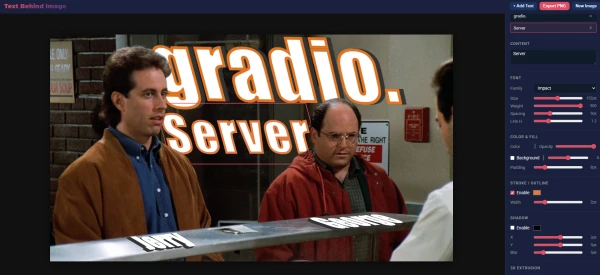
Developers often face the challenge of integrating a polished user interface with a powerful backend. Gradio, a popular Python library for building machine learning demos, typically generates its own frontend. However, it is possible to pair Gradio's backend with any custom frontend, unlocking greater design flexibility.
The key lies in leveraging Gradio's API endpoints. Gradio applications expose RESTful APIs for inference, which can be called from any frontend framework—React, Vue, or plain HTML/JavaScript. By setting share=False and running the Gradio app locally or on a server, developers can bypass Gradio's default UI and instead craft their own interface.
To implement this, start by building your Gradio backend with gr.Interface or gr.Blocks. Use queue() to enable queuing if needed. Then, instead of launching with launch(), consider using gr.Blocks.queue() and then accessing the API via localhost. Tools like gradio_client can help interact with the backend programmatically.
This approach is especially useful for production deployments where branding or complex interactions are required. By separating frontend and backend, teams can work in parallel and reuse the same Gradio backend across multiple frontends.
For detailed instructions, refer to Gradio's documentation on custom frontends and API usage.