Introduction
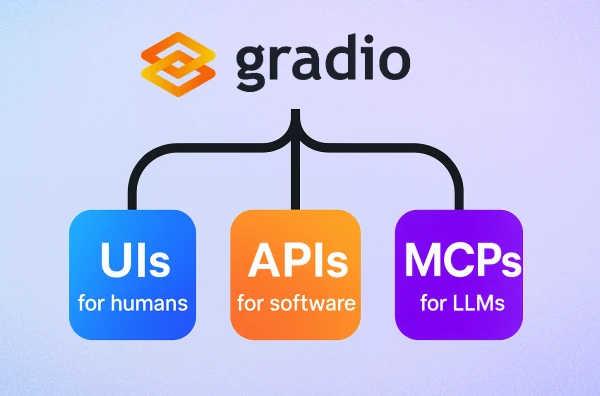
Building an MCP (Model Context Protocol) server can be straightforward using Gradio, a popular Python library for creating machine learning demos. MCP servers enable AI models to access tools and data sources in a standardized way.
Why Gradio?
Gradio simplifies the creation of web interfaces for ML models, but it also can be used to expose tools as MCP-compatible endpoints. With Gradio's built-in gr.Interface and gr.Blocks, you can quickly wrap any Python function into an MCP server.
Step-by-Step Guide
-
Install Dependencies:
pip install gradio mcp -
Define Your Tool Function:
def my_tool(query: str) -> str: return f"Processed: {query}" -
Create the Gradio Interface:
import gradio as gr iface = gr.Interface(fn=my_tool, inputs="text", outputs="text", title="My MCP Tool") -
Run as MCP Server:
from mcp import GradioAdapter

adapter = GradioAdapter(iface)
adapter.run()
Conclusion
With Gradio, building an MCP server is just a few lines of code. This approach allows developers to focus on the tool logic rather than infrastructure.
Note: Ensure your environment has the necessary packages and that you understand the MCP protocol for advanced use cases.